
Offline dictation
Dictation
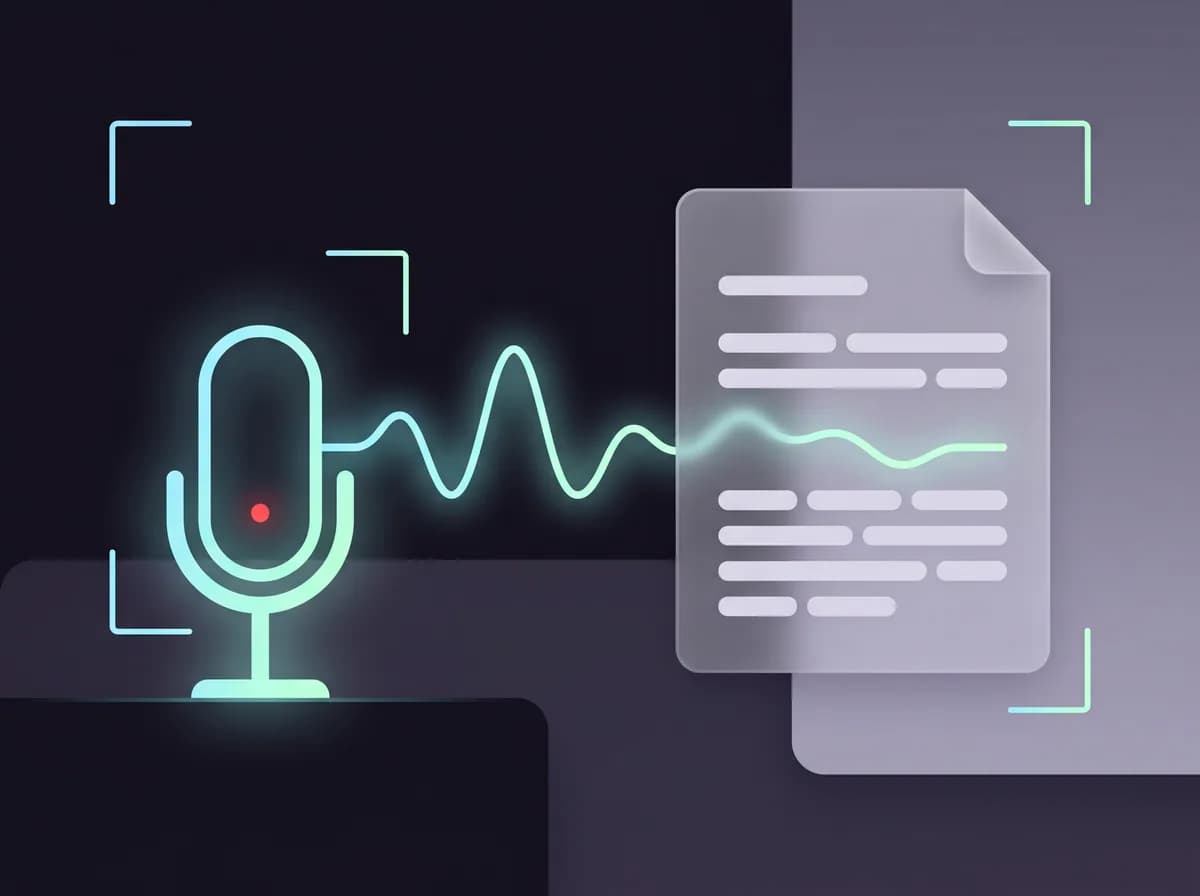
Click in any text box, press Alt+D and speak. Your words are turned into text on your PC and typed where your cursor is, in email, documents, chat or a search box. Your voice never leaves the machine.
Windows 10/11 (x64) · Free · No account
Speech is turned into text on your PC. Audio is never saved.
Use cases
When you'll reach for it — Dictation
Real situations, not a feature list.
- Answer email faster by talking instead of typing.
- Get a first draft of a document down while the thoughts are fresh.
- Give your hands a rest from the keyboard.
- Dictate in another language: Whisper understands many.
What it does
Everything Dictation handles
Built into ScreenTray, free, and nothing you capture is uploaded.
Any app
Text is typed where your cursor is, in any program. Press Alt+D again to stop, or set Hold to talk.
On your PC, offline
Whisper runs on your PC. After a one-time model download, dictation works with no internet, and audio is never saved.
Cleanup as it types
Basic cleanup, the default, removes ums and repeats and follows voice commands like "comma", "new line" and "bullet point".
Your words, spelled right
A personal dictionary for names and terms. Add a word on the pill after dictating to teach it one.
Raw, if you'd rather
For 10 seconds after cleaned text is typed, Raw swaps it back to exactly what you said.
Many languages
Detect the language automatically or pick yours. Cleanup is tuned for English, Spanish, French, German, Portuguese and Italian.
How it works
Using it, step by step
- 1
Click in a text box
An email, a document, a chat message, a search field: anywhere you can type.
- 2
Press Alt+D and speak
A small pill shows Listening… with a level meter. Text is typed at natural pauses. The first time, the speech model downloads.
- 3
Press Alt+D to stop
The pill says Done. What you said is also on your clipboard, unless you turn that off. Esc cancels.
Under the hood
How it actually works
What it uses, named plainly.
- Speech engine
- Whisper (whisper.cpp), on your PC
- Speech models
- Base, about 150 MB (default); Small, about 490 MB; Large v3 Turbo, about 575 MB
- Cleanup
- Off, Basic (rules, default) or Smart (optional local language model, about 1.1 GB)
- Shortcut
- Alt+D (rebindable); press to start and stop, or hold to talk
- Platform
- Windows 10/11 (x64); speech recognition needs a CPU with AVX2
Smart cleanup is optional, never downloads without asking, and runs on the processor. It needs at least 8 GB of memory, 3 GB of free disk and a CPU with AVX2, and by default applies once a dictation reaches 100 words. Windows won't let an ordinary app type into a window running as administrator, so there the text goes to your clipboard instead. Dictation is off in password fields.
Also in ScreenTray
The rest of the capture kit
Questions
Dictation, answered
Get ScreenTray — Dictation included
Dictation is part of ScreenTray, free for Windows 10 and 11, with the rest of the capture kit alongside it.
Windows 10/11 (x64) · Free · No account