
Send & Fit for email
Send & Fit for email
The capture is only half the job. ScreenTray gets it into the email, chat or ticket without a trip to File Explorer, and shrinks a video that's too big to attach.
Windows 10/11 (x64) · Free · No account
Smaller copies and GIFs are saved next to the original.
Use cases
When you'll reach for it — Send & Fit for email
Real situations, not a feature list.
- Paste a screenshot straight into a Teams or Slack message.
- Attach a screen recording to an Outlook email without hunting for the file.
- Shrink a five-minute video so Gmail or Outlook will take it.
- Turn a short clip into a GIF for a support ticket.
What it does
Everything Send & Fit for email handles
Built into ScreenTray, free, and nothing you capture is uploaded.
Copy
Screenshots copy as both an image and a file. Videos copy as a file, so Ctrl+V attaches them in Outlook, Gmail, Slack, Teams or a folder.
Opens a new message with the capture attached. Without a classic email app, it copies the file and opens a blank email for you to paste into.
Share…
The Windows Share sheet: Nearby sharing, Teams, Phone Link and other apps.
Drag it out
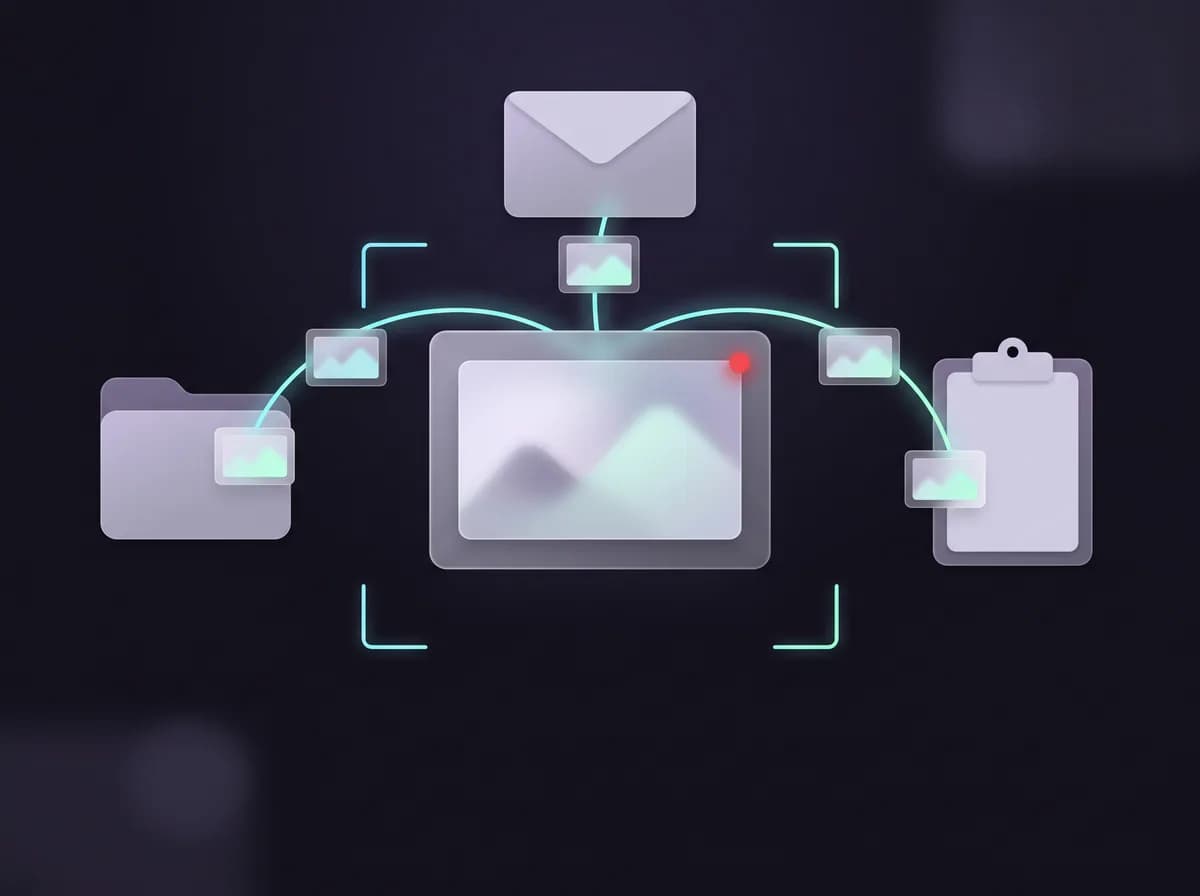
After a capture, a card appears above the tray. Drag its thumbnail into an email, a chat or a folder.
Fit for email
Makes a smaller copy under your size target, 20 MB by default, lowering resolution and frame rate only as far as it needs to.
Make GIF
Turns a video into an animated GIF, up to 800 pixels wide at 12 frames a second, for email bodies, chat and tickets.
How it works
Using it, step by step
- 1
Capture something
When you stop a recording or save a screenshot, a card pops up above the tray. It never takes focus.
- 2
Pick how to send it
Copy, Email or Share… from the card, the editor, the video preview or any library item.
- 3
Paste or attach
Press Ctrl+V in your message. If a video is over your email limit, ScreenTray offers Fit for email first.
Under the hood
How it actually works
What it uses, named plainly.
- Copy
- Windows clipboard: the image and the file for screenshots, the file for videos
- Your default email app (Simple MAPI), or a mailto: draft plus paste
- Share
- The Windows Share sheet
- Fit for email
- 10, 20 or 25 MB, or a custom 1–200 MB; 20 MB by default. Saved as … (email).mp4
- GIF
- Up to 800 px wide, 12 FPS, saved next to the video
ScreenTray sends files, not links: nothing is uploaded, so there's no web link to share. Fit for email refuses a clip too long to stay watchable at your size and suggests trimming it. The new Outlook and webmail can't take an attachment from another app, so Email copies the file and you paste it in.
Also in ScreenTray
The rest of the capture kit
Questions
Send & Fit for email, answered
Get ScreenTray — Send & Fit for email included
Send & Fit for email is part of ScreenTray, free for Windows 10 and 11, with the rest of the capture kit alongside it.
Windows 10/11 (x64) · Free · No account